Key commands in the main view |
  
|
Key commands in the main view |
|
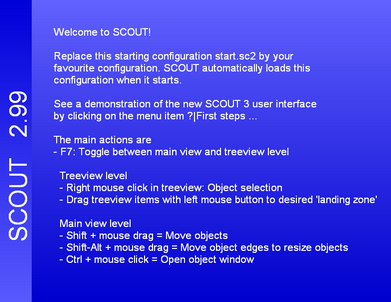
Having started SCOUT, you see the main view:

The following key commands can be used to configure the main window:
•Pressing m you can switch on and off the menu
•The key b switches on and off the toolbar
•With s the statusbar at the bottom is shown or hidden
•Both the toolbar and the window frame and caption can be hidden or shown pressing p (presentation mode). If you switch off the menu and the statusbar as well and the SCOUT window is maximized, the whole screen is filled with the main view (presentations are discussed below):
•If you have a SCOUT configuration which is configured to perform a parameter fit, you can start and stop the fit pressing the f key.
•Pressing e opens the list of view elements of the view which is currently displayed.
•A time evolution of a model (this will be explained later) can be started and stopped with t.
•In order to setup a new configuration or to modify an existing one, press F7 to switch from the main view level to the treeview level. The treeview level is discussed in the following section.